Month: April 2018

  • AWS Lambda & API Gateway

    AWS Lambda & API Gateway

    The body response of Lambda must output a format that is acceptable to AWS API Gateway.  An example NodeJS code with the appropriate callback will ensure a successful 200 OK response:


    'use strict';

    console.log('Loading function');

    exports.handler = (event, context, callback) => {
        var responseBody = {
            "key3": event.queryStringParameters.key3,
            "key2": event.queryStringParameters.key2,
            "key1": event.queryStringParameters.key1
        };

        var response = {
            "statusCode": 200,
            "headers": {},
            "body": JSON.stringify(responseBody),
            "isBase64Encoded": false
        };
       
        // In order for AWS API Gateway to work, the response must
        // be in the format of the "response" variable as shown above.
        callback(null, response);
    };

    You can find more information from the sources below.

  • React HashRouter

    React HashRouter

    Example code snippet on HashRouter from react-router-dom.  This routing alternative can be used on hosting services such as GitHub pages and other static hosting services.

    Implementation

    Import HashRouter:


    import { HashRouter as Router, Route } from 'react-router-dom';

    Example code that goes in render():


    <HashRouter>
       <div>
          <Route path="/" component={Home} />
          <Route path="about" component={About} />
          <Route path="teachers" component={Teachers} />
          <Route path="courses" component={Courses} />
       </div>
    </HashRouter>

    Here’s a link to my Gist if that doesn’t come out correctly.

    Drawbacks

    A collection of thoughts and issues I’ve found for using HashTag for a website:

    • There could be SEO issues related to using the HashTag URLS.
    • Clean URLs are better for SEO.  However, that’s also still questionable since this is a Single Page Application (SPA) unless generated from a NodeJS backend that can help generate the appropriate content.
  • Multiple AWS CLI Profiles

    Multiple AWS CLI Profiles

    Work with multiple AWS sessions and get tired of switching accounts manually?  Use the following commands to automatically switch between AWS accounts!


    aws configure --profile user2

    To use from your command prompt, here’s an example:


    aws ec2 describe-instances --profile user2

    I needed this functionality since I work with multiple AWS sessions.  The full documentation can be found on the links below.

  • IAHSP Europe

    IAHSP Europe

    We have a new website that I helped put together with my team.  We used WordPress, Angular 5, Google Cloud Functions, and AWS.

    I’m very proud of the work everyone did to help build such an awesome website.  I’m especially proud to be part of a global association for all Home Stagers across the world.

  • “Scam Likely” on T-Mobile

    “Scam Likely” on T-Mobile

    Are you receiving those pesky calls labeled “Scam Likely”?  You can block them completely!  Here are the codes to put into your phone:

    Enable Scam Block #662#
    Disable Scam Block
    #632#
    Check Scam Settings #787#

    I’m not sure if these work for other carriers.  If these do, post a comment below 🙂

  • WordPress Private Pages

    WordPress Private Pages

    Use the following code snippet to make a theme page that is private.  It will require the user to log on their administrative WP page as a user to view the contents on this page.

  • Installing cURL on Windows for Slack Notifications

    Installing cURL on Windows for Slack Notifications

    Do the following steps to install cURL on a Windows OS.  I mainly use cURL on Windows Servers to notify me of certain events via API.

    Installing cURL

    • Download cURL
      • Make sure to download the one from: Viktor Szakats
      • Extract the contents to: c:\curl
    • Download the cacert.pem
      • Extract this to where curl.exe is located. Typically, this is located in c:\curl\bin
      • Rename this file to: curl-ca-bundle.crt

    Add as Environment Variable

    Credits to CharlesNadeau on the following guide.

    1. In the Start menu, right-click This PC and select More > Properties.
      Note: In Windows 7, right-click Computer and select Properties.
    2. Click Advanced System Settings.
    3. In the Advanced tab, click the Environment Variables button on the lower right side.
    4. Select the “Path” variable in System Variables, and click Edit.
    5. In the Edit environment variable dialog box, click New and add the path to the curl.exefile. Example: C:\curl.

    Slack Notification API Example

    Use the following to send a curl to a Slack hook.

    C:\curl\curl-7.59.0-win64-mingw\bin\curl.exe -k -g -X POST -d "payload={\"text\":\"This is the notification in the body of Slack.\", \"channel\":\"#channel\", \"username\":\"FIRSTNAME LASTNAME\", \"icon_emoji\":\":thumbsup:\"}" https://hooks.slack.com/services/API_URL
    

    Credits:

  • BeWorkPlace.com

    BeWorkPlace.com

    Completed an AWS deployment project for a WordPress website using AWS Lightsail, RDS, S3, CloudFront, CloudWatch 😀

    Visit their website at BeWorkPlace.com

  • BrentwoodRotary94513.com

    BrentwoodRotary94513.com

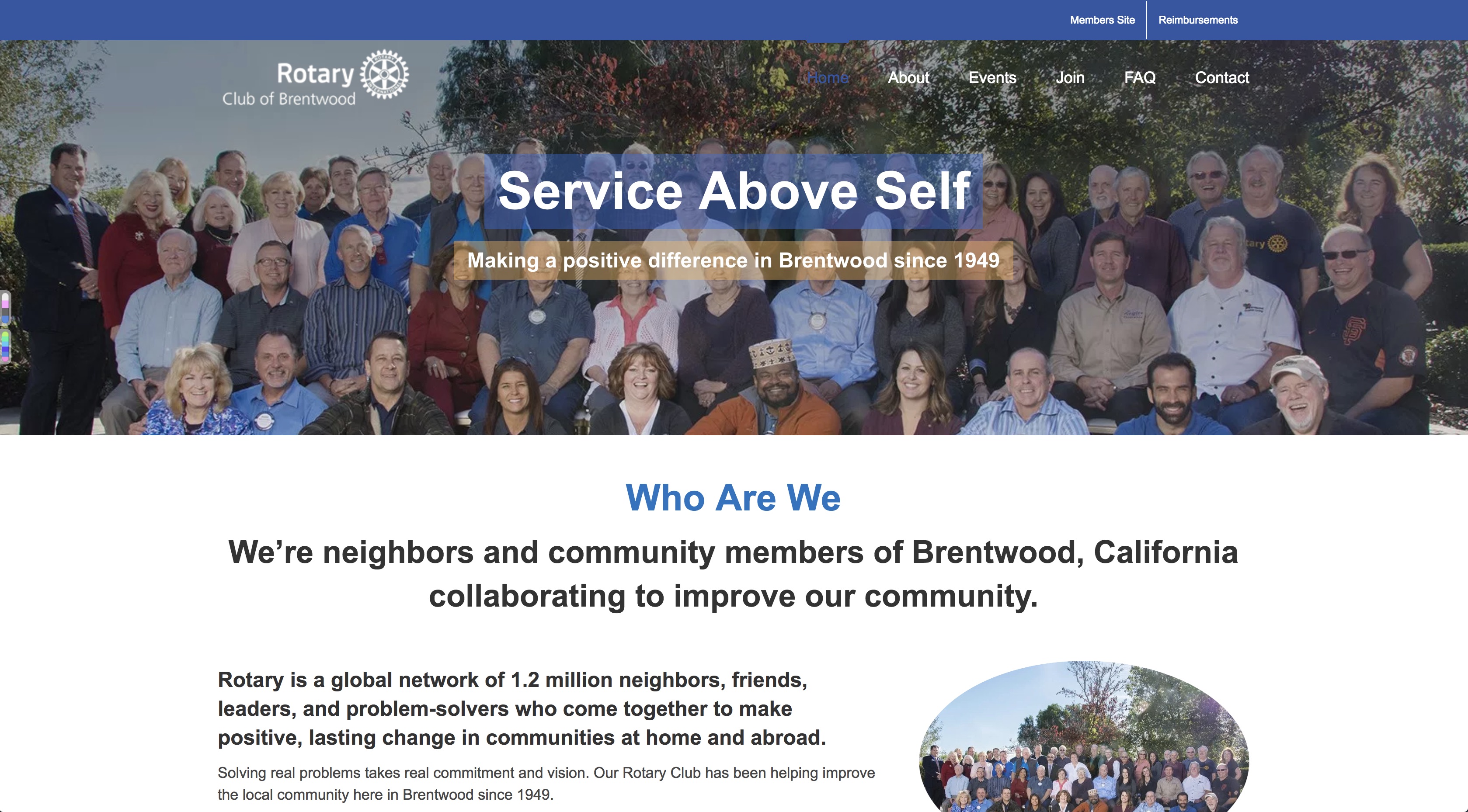
    Completed a DevOps project for the Brentwood Rotary using AWS Lightsail, RDS, S3, CloudFront, CloudWatch.

    Brentwood Rotary

    Visit their website at: BrentwoodRotary94513.com

  • Updating Running Docker Container

    Updating Running Docker Container

    The following commands update containers that are already running using Docker Update

    Always restart docker update –restart=always CONTAINER_NAME
    Unless stopped docker update –restart=unless-stopped CONTAINER_NAME