Kubernetes has helped me at my job so much that I want to fully deep dive into the technology! I just finished The Linux Foundations course on Kubernetes 🙂
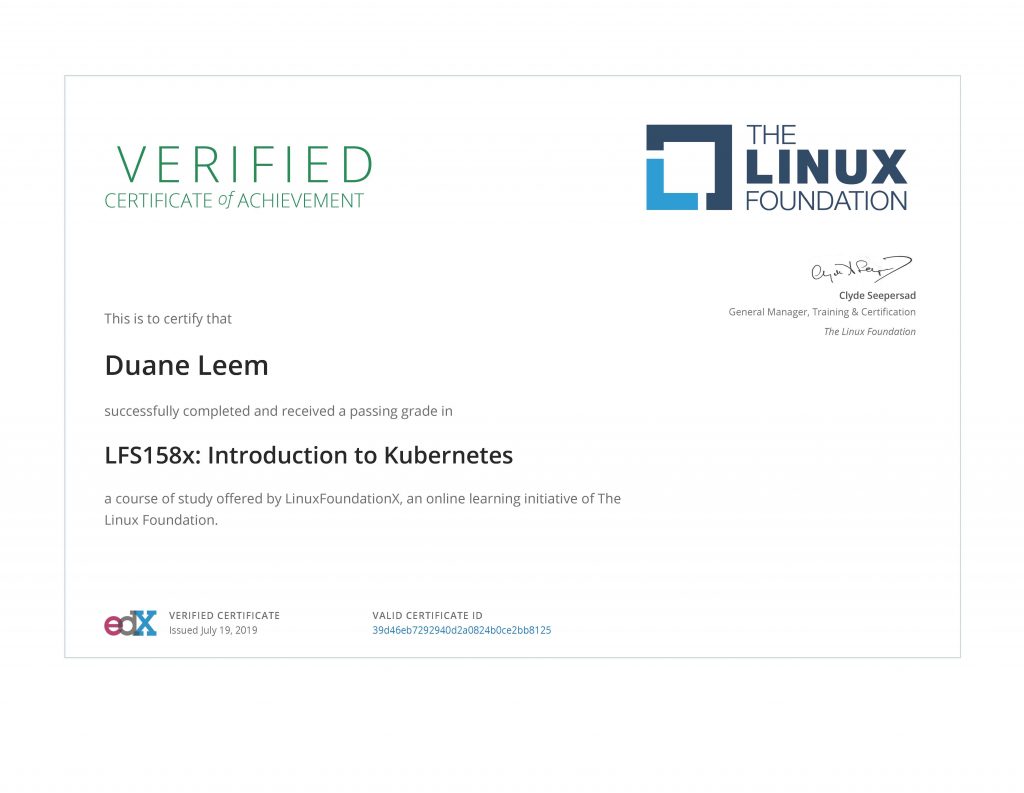

Kubernetes has helped me at my job so much that I want to fully deep dive into the technology! I just finished The Linux Foundations course on Kubernetes 🙂
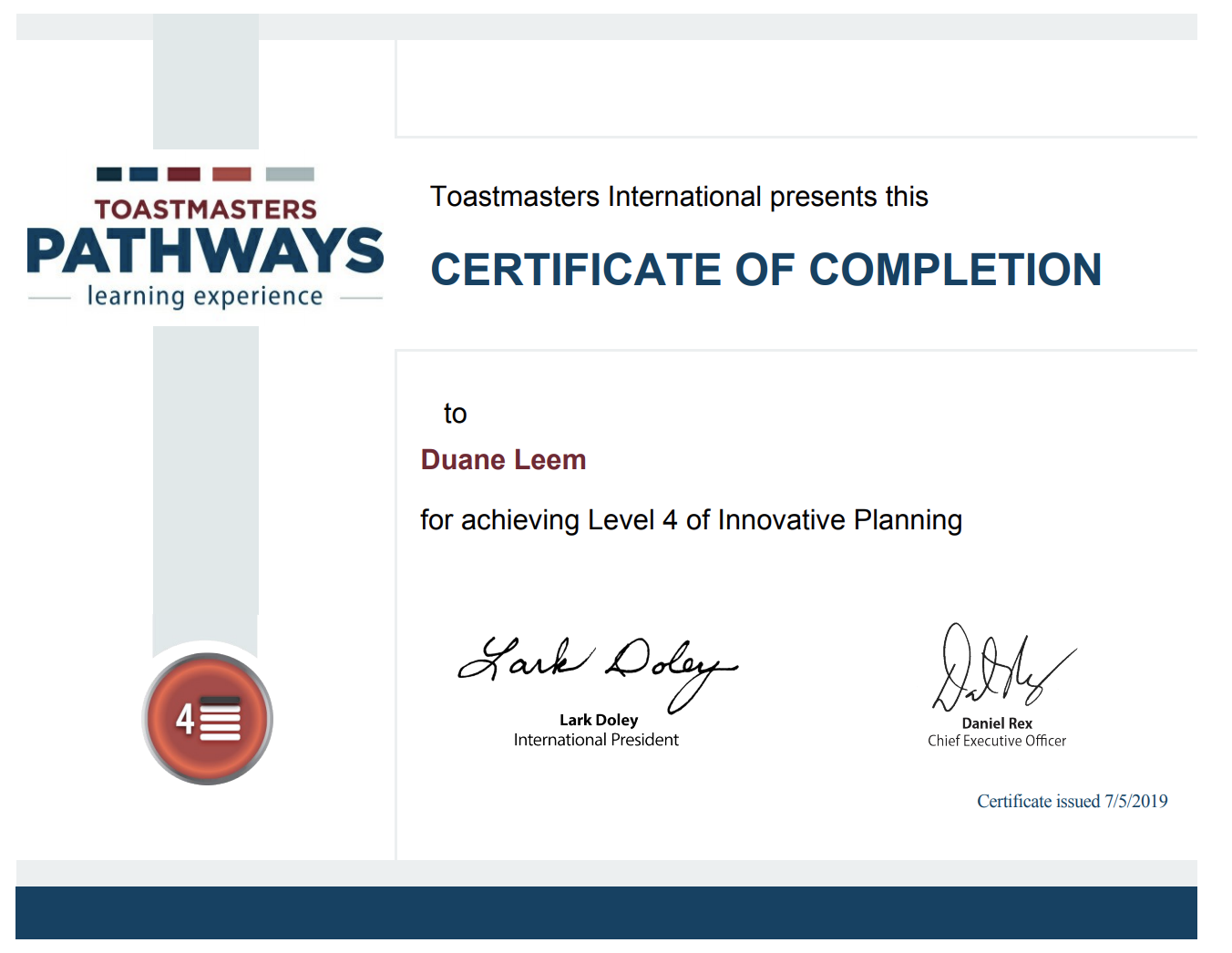
I just completed my Toastmasters Pathway on level 4 this week. I’m very excited to share this accomplishment 🙂
Toastmasters has helped me greatly hone my public speaking skills. The program has taught me more than just public speaking but also skills in leadership.
The Toastmasters Pathway that I am enrolled in helps hone my Project Management skills in the public speaking domain.
My Pathway project is delivering a modern, mobile responsive, website. Follow the development of the new website here.

The purpose of this guide is to help you create a local WordPress development server on your laptop using Docker.
Create a new MySQL instance (if you don’t already have one) so your WordPress can use it as its database. Save the following to the root of your project folder.
Run the following:
docker-compose up -d
Before running a WordPress container, create a schema. For this example, I’ll use the schema name “wordpress-dev”.
Use the following Gist to create your Docker container.
I’ve just completed a Toastmasters speech on my level 4 project in the Pathway project: Manage Projects Successfully
I’ve reported to my club on the current project status. I have that currently conveyed from the following handout:
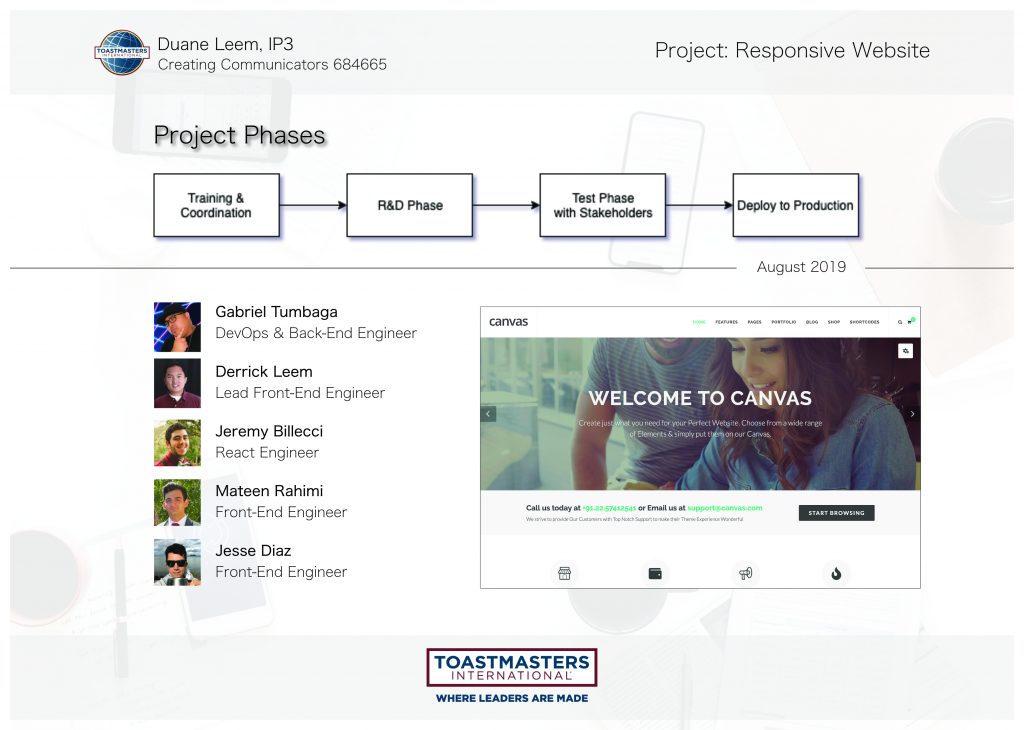
During my speech, I’ve covered the following:
I received positive feedback. There are some additional items I need to work on (such as ensuring that everyone understands the technical aspects of the project). I will be incorporating this in future speeches.
For full information about this project, please visit the project status page.