Month: May 2018

  • WooCommerce Roles & Capabilities for Custom Shop Manager Role

    WooCommerce Roles & Capabilities for Custom Shop Manager Role

    One of my projects required me to create a new role based on the Shop Manager role provided by WooCommerce.  Essentially, I need to develop a custom plugin to disable many of the administrative functions provided by WordPress and use a Roles & Capabilities plugin to lock the Shop Manager to only WooCommerce.

    Roles & Capabilities Plugin

    I used the following plugin to help me manage the roles & capabilities of my WordPress permissions: Advanced Access Manager

    Adding New Orders

    Location: WooCommerce -> Orders -> Add Order

    The following capability is required in order to manage shop orders

    • manage_woocommerce
      • This may give too much “admin” access so make sure to use Advanced Access Manager to further eliminate access you need.
    • edit_shop_orders
    • view_woocommerce_reports
    • edit_posts
      • This will give the user the ability to edit posts too (make sure to remove this from side & admin bar menu.
  • Happy 15th Anniversary WordPress!

    Happy 15th Anniversary WordPress!

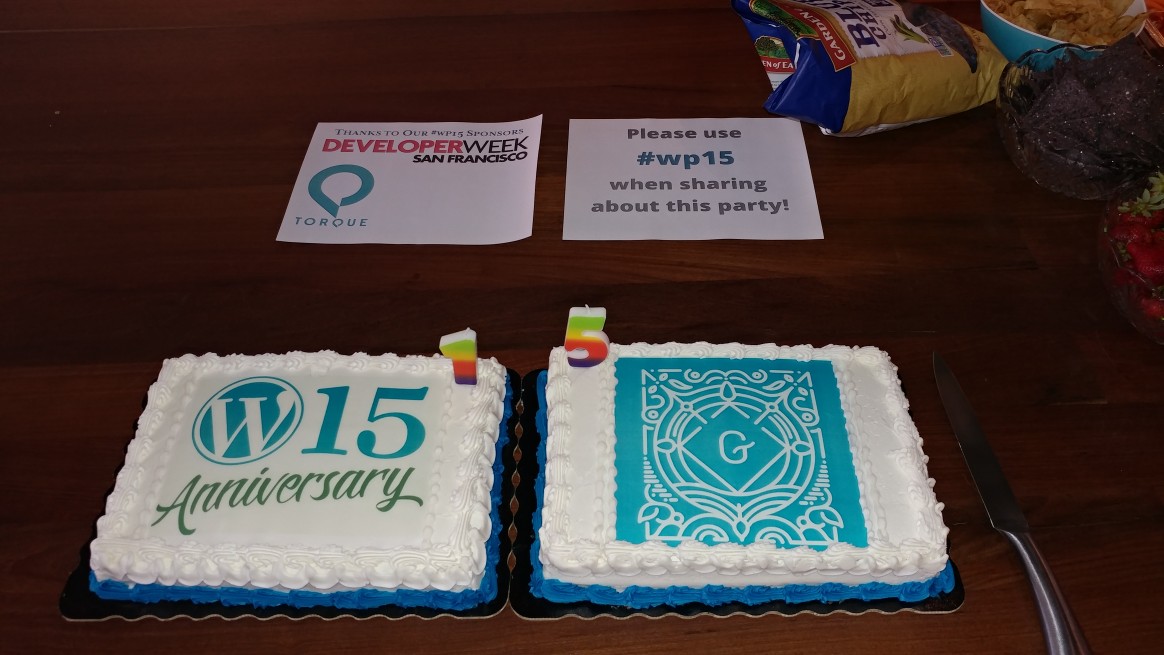
    Celebrated WordPress’ birthday with my fellow East Bay WordPress Meetup group.  Happy birthday, WordPress!

    WordPress 15th Anniversary

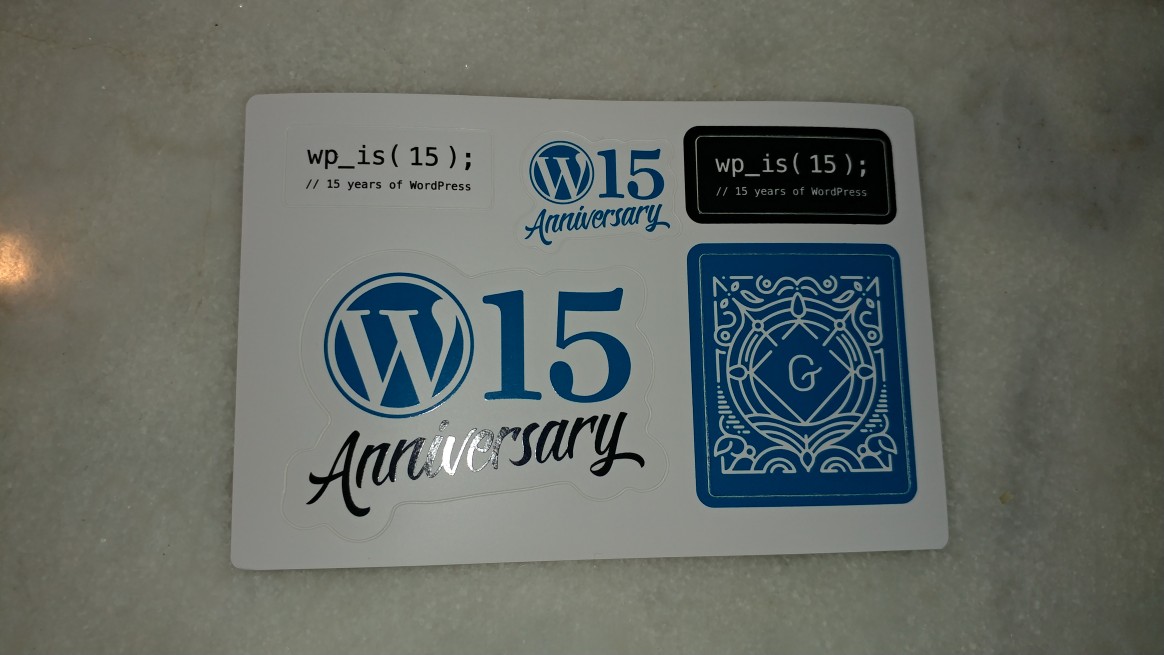
    We got some free stuff too 🙂

    WordPress 15th Anniversary Stickers 😀

    Join the East Bay WordPress Meetup Group.  We meet every 3rd Sunday of every month.

  • New Angular Project in Current Directory

    New Angular Project in Current Directory

    One of my projects required a new Angular 6 project folder.  I needed to scaffold the Angular 6 contents in an existing directory.

    The following command will generate a new Angular 2+ project in your current directory:


    ng new appName --directory ./

    Credits

  • Importing WordPress Media from Another WordPress Instance

    Importing WordPress Media from Another WordPress Instance

    I have two similar WordPress instances.  One of the WordPress instances had a lot of work done to a single page that needed to be replicated to the other WordPress instance.

    Export Media from WordPress Instance

    The following are the steps in order to migrate the contents of that page to the other WordPress instance you have.  From the site you did heavy work from:

    • Copy the recent folder with the files you uploaded: /wp-content/2018/05
    • Go to: /wp-admin
    • Navigate to: Tools -> Export
    • Click: Media
    • Click: Download Export File

    Import to Other WordPress Instance

    On the WordPress instance you want to copy the contents to:

    • Upload this folder (/wp-content/2018/05) to the other WordPress instance at the same location.
      • Ensure you have the appropriate permissions to upload to the /wp-content folder. You can give SSH access by doing the following: chown -R ubuntu:www-data /wp-content
    • Navigate to: /wp-admin
    • Navigate to: Tools -> Import
    • Click: Run Importer
    • Click “Choose File” and select the XML that was exported earlier.

  • WooCommerce Subscription Rest API Plugin

    WooCommerce Subscription Rest API Plugin

    Fulfillment companies looking to utilize WooCommerce Subscription sometimes need additional meta data about the # of orders from a subscription.

    Or perhaps the subscription ID of the order?  I’ve included this information in a WooCommerce plugin.  This is especially useful for fulfillment companies.

  • HTML Redirect

    HTML Redirect

    Use the following to automatically forward someone using just HTML 🙂


    <meta http-equiv="refresh" content="5; url=http://example.com/">

    Place this in the <head> tag.