Category: Kubernetes

  • Install & Uninstall Minikube (Ubuntu 22.04.2 LTS)

    Install & Uninstall Minikube (Ubuntu 22.04.2 LTS)

    In this guide, we will explore the process of installing and uninstalling Minikube on Ubuntu 22.04.2 LTS.

    Install Minikube

    Minikube Installation

    I’ve used the official Minikube start documentation. This was the output:


    # Installation for Ubuntu 22.04.2 LTS, x86-64
    curl -LO https://storage.googleapis.com/minikube/releases/latest/minikube_latest_amd64.deb
    sudo dpkg -i minikube_latest_amd64.deb

    # Start your cluster
    minikube start

    You’ll receive an error because you’ll need to specify a driver. The recommended driver is Docker. The next section will go over installing Docker.

    Install Docker

    Let’s use Docker as our driver for Minikube. I used the official Docker documentation to get Docker installed.

    After installing Docker, do these post-setup configuration.

    Deploy Kubernetes

    Finally, run the following based on the Minikube documentation:


    # Set Docker as default.
    minikube config set driver docker

    # Start Minikube with Docker as the driver.
    minikube start

    # Alias kubectl
    alias kubectl="minikube kubectl --"
    alias k="minikube kubectl --"

    Uninstall Minikube

    Use the following documentation to delete Minikube.


    minikube delete --all --purge

    Resources

    The following resources were used to develop this guide.
  • Install & Uninstall Microk8s (Ubuntu 22.04.2 LTS)

    Install & Uninstall Microk8s (Ubuntu 22.04.2 LTS)

    The instructions to remove Microk8s are for Ubuntu 22.04.2 LTS but may work with other Ubuntu versions. See Microk8s documentation for more info.

    If you find any errors in this post, please contact me.

    Remove Microk8s

    I’ve ran into several errors removing Microk8s. I found that you have to reset Microk8s first and then remove. The official documentation for resetting Microk8s can be found here.

    The cleanest way to remove Microk8s:


    # Reset Microk8s
    ## https://microk8s.io/docs/command-reference#heading--microk8s-reset
    sudo microk8s reset

    # Remove Microk8s
    sudo snap remove microk8s

    Install Microk8s

    Reinstall Microk8s with the following:


    # Install Microk8s
    ## https://microk8s.io/docs/getting-started
    sudo snap install microk8s --classic --channel=1.27

    # Join your user to microk8s Linux group
    sudo usermod -a -G microk8s $USER
    sudo chown -f -R $USER ~/.kube

    # The rest of the commands are optional but good to run for verification:
    ## https://microk8s.io/docs/getting-started

  • Certified Kubernetes Application Developer (I PASSED!)

    Certified Kubernetes Application Developer (I PASSED!)

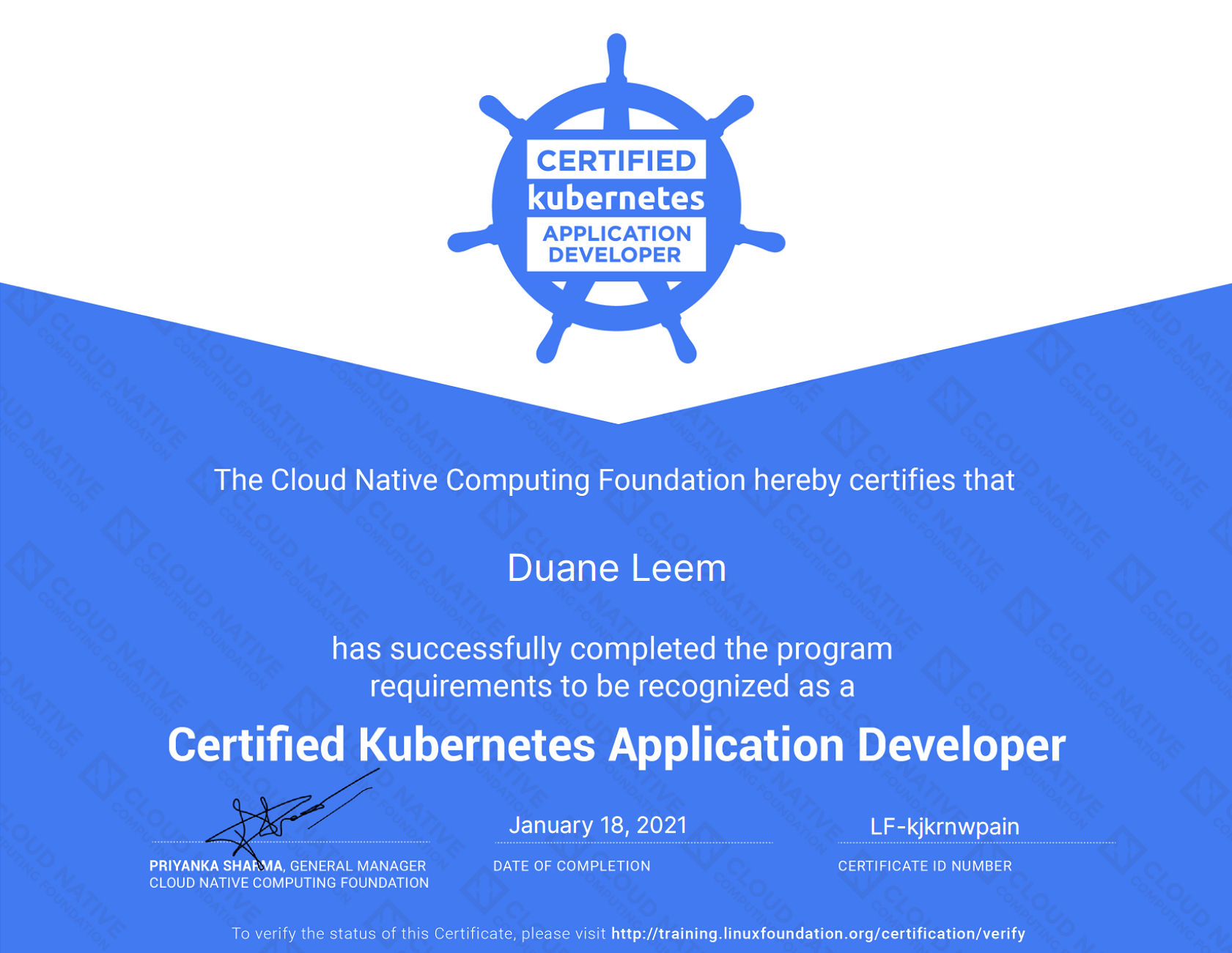
    As of January 18, 2021 I am a Certified Kubernetes Application Developer!

    I scored much higher on my 2nd attempt. I attribute that to the following:

    • My test environment is MUCH better. I moved to a new home and I had a guest room that I prepared a day before the test. Had a comfy chair and all 🙂
    • I took the test at 9am in the morning. I did not have any interruptions at home compared to last time.
    • For a few months, I spent about 30 minutes to 1 hour each day on kubectl commands and documentation. 1 week before the test, I did an hour a day with imperative commands.
    • I made bookmarks to knowledge gaps I had with Kubernetes to the Kubernetes official documentation.
    • I have Kubernetes applications in production.

    Resources I Used

    I used the following materials that helped me with CKAD:

    • CKAD Exercises by dgkanatsios/CKAD-exercises
      • I did this, at minimum, 30 minutes a day for a couple of months.
      • You need a complete mastery of the kubectl without needing to look up commands often during the test.
    • Udemy CKAD with Tests by Mumshad Mannambeth
      • 3 months before my 2nd test attempt, I went back and watched several videos to revamp some of the knowledge gaps I still had with CKAD.
    • CKAD Labs by Mumshad Mannambeth
      • The Udemy course provided by Mumshad, he created labs to help aspiring CKAD professionals 🙂
      • I went through many of the labs and even revisited some of the labs to fill in my knowledge gaps.
      • There are some practice tests in here that can help you master the kubectl much more efficiently.
    • kubectl Cheat Sheet from Kubernetes Documentation
    • Kubectl Reference Docs from Kubernetes Documentation

    1st Test Attempt

    I’ve noted my previous attempt I did back in March 2021. Click Here to view the post.

  • CKAD First Attempt

    CKAD First Attempt

    First Attempt

    I failed the first CKAD attempt. I’ve noted here on some of the reasons why I failed and also what I can do on the 2nd round.

    Contributing Reasons

    I’m noting a few factors I felt contributed to this:

    • I usually code on my desk. However, for this exam, it didn’t meet the requirements. The table had to be clear of everything (an empty table).
      • I was asked to move to an area with an empty table.
      • The new location I had to move to was a coffee table and I had to kneel or cross my legs.
      • Throughout the entire certification I had 50%+ of my concentration eliminated due to discomfort.
    • The following topics I will need to reinforce. I’ve done them all the time in production, but given I only had 2 hours, I will need to think faster:
      • Network Policies
      • Using kubectl and exposing ports.
      • Less time looking at K8s documentation and more using kubectl -h or kubectl describe
    • Not enough practice. At minimum, I should be spending 1 hour a day purely on K8s practice questions that uses kubectl.

    Next Attempt

    On the next attempt, I plan to do the following before:

    • Find a location that won’t hinder my concentration. I felt this was the greatest issue I had.
    • Emphasize on the following as stated previously:
      • Network Policies
      • Using kubectl and exposing ports. Read documentation and videos hardening my understanding on:
        • kubectl run nginx –image=nginx –dry-run –restart=Never –port=80 -o yaml > nginx.po.yaml
        • kubectl expose deployment nginx –port=80
      • Less time looking at K8s documentation and more using kubectl -h or kubectl describe
    • Use kubectl api-resources
    • Get used to:
      • kubectl config set-context –current –namespace=foo
      • alias ll=’ls -alF’
    • Each day until the next attempt:

    Conclusion

    There were some knowledge gaps that I will need to work on. I felt my biggest issue was doing this in my living room. I had a sub-optimal experience having to move my setup to a coffee table.

    My concentration was impacted and there was people on the phone in the background. On the next attempt, I will be doing some more practice on several areas and possibly go to a Hotel nearby to take the test.

    Update: Passed CKAD

    I past the CKAD on January 18, 2021. Click Here to see my latest post on some of my thoughts and lessons learned of the CKAD 2nd test.